Measure treadmill speed
The camera detects each time the marker passes. The app uses the belt circumference to calculate its speed.
WE ARE LOOKING FOR BETA TESTERS · IPHONE
The display shows one speed. The belt may tell a different story.
TreadSpeed uses your iPhone camera to measure the speed of the treadmill belt. Now we want to find out how the app works on your treadmill.
I would like to try itFree beta testing. Free app at launch for selected testers.
Follow our progress on Facebook (opens in a new tab)9% slower
than the selected speed
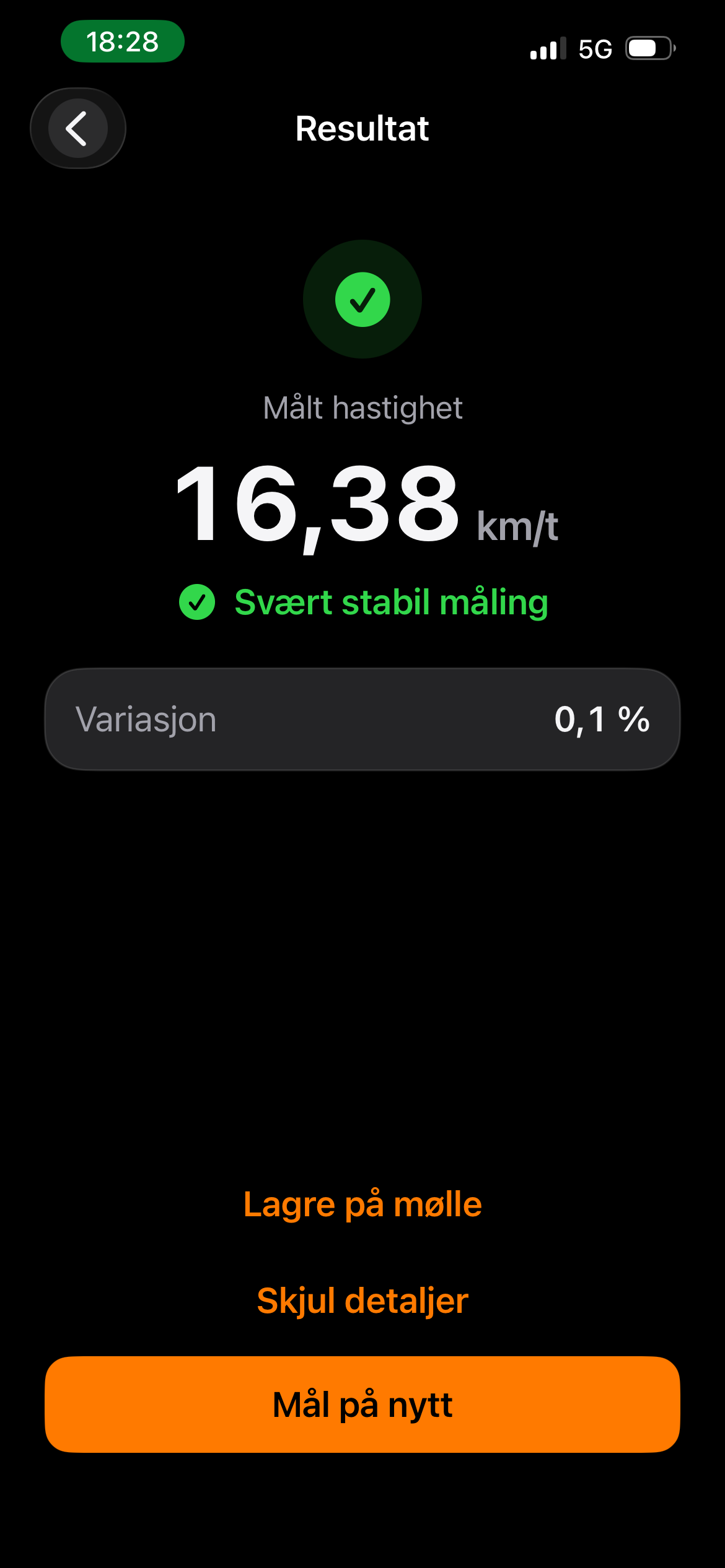
10,000 m on the display ≈ 9,100 m on the belt. That is 900 metres less, if the same 9% difference applies throughout the workout.
Be part of it from the start.
Help us improve the app – get it free at launch.
WATCH OR TREADMILL?
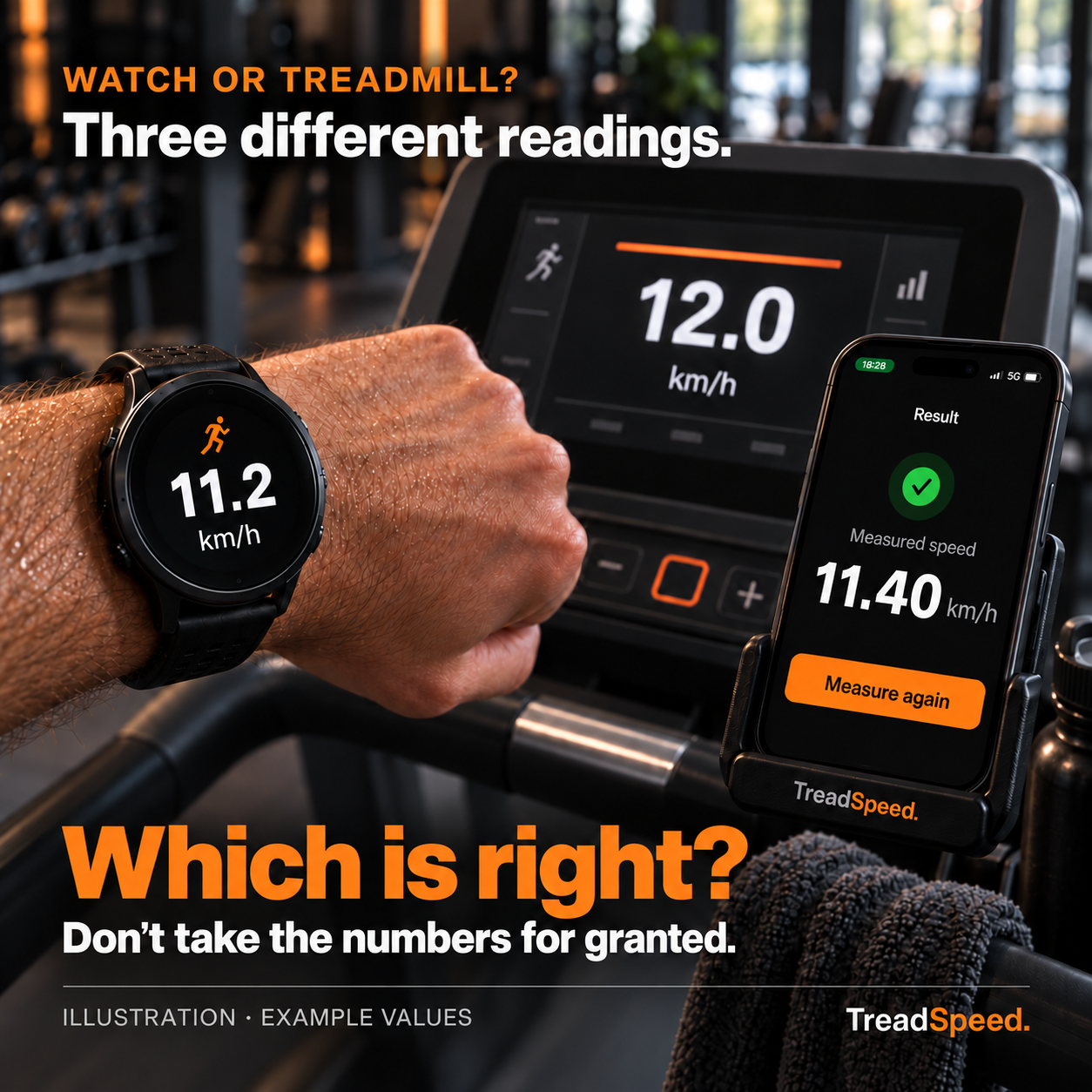
Your watch shows one speed. The treadmill shows another. Which reading should you trust? Neither your running watch nor the treadmill display is automatically the ground truth.
When you run indoors, your watch may estimate speed and distance from your movements. The treadmill shows the selected speed, but the actual belt speed can differ. A mismatch alone does not tell you which reading is correct.
TreadSpeed uses your iPhone camera, a small marker and the full belt circumference to measure belt speed. Compare the measured speed with the treadmill display to better understand your treadmill pace and distance.
Test TreadSpeed on your treadmillBeta measurements are taken with no runner on the belt. Correct belt circumference and camera setup are essential. TreadSpeed does not validate your watch’s calculations or adjust the treadmill.
FROM MEASUREMENT TO WORKOUT
No extra measurement sensor needed. Just your iPhone, a small tape marker and the full belt circumference.
The camera detects each time the marker passes. The app uses the belt circumference to calculate its speed.
Keep your measurements in a treadmill profile, ready for your next workout.
Record workouts using speed and distance calculated from your profile. Look back at your sessions afterwards.
You control the treadmill yourself. During workouts, speed and distance are calculated from saved measurements and the speed changes you enter – they are not measured continuously.
of the actual belt speed
We are developing TreadSpeed with a clear goal: readings within ±0.5% of the actual belt speed. Our preliminary tests are very promising.
We are now extending testing to more iPhone models, treadmills and lighting conditions. Your measurements and feedback help us understand how well the app works in practice.
±0.5% is our development target, not a verified guarantee. Accuracy must be checked against an independent reference, using the correct belt circumference and measurement setup.
A SMALL TEST. VALUABLE FEEDBACK.
You do not need technical skills or fast running times. We welcome recreational and experienced runners with different phones and treadmills.
We are starting with 5–8 participants in the first round and up to 50 in round two. We will contact selected participants by email when their test is ready.
The main test consists of three speed measurements at each setting: 6, 10 and 14 km/h, with no one on the belt and 0% incline. Report your results and experience to Øystein. Workout mode is optional: you are welcome to try one workout, and an extra one if you wish. You can complete the whole test in one go or spread it out to suit you.
The whole belt, not just the running surface. We need the length of one complete loop of the belt. If you are unsure about this, you can still register your interest and let us know.
DEVELOPMENT · KNOWLEDGE · IDEAS
From an idea about better speed readings to testing on more treadmills. Here is what we want to learn before launch.
Read the article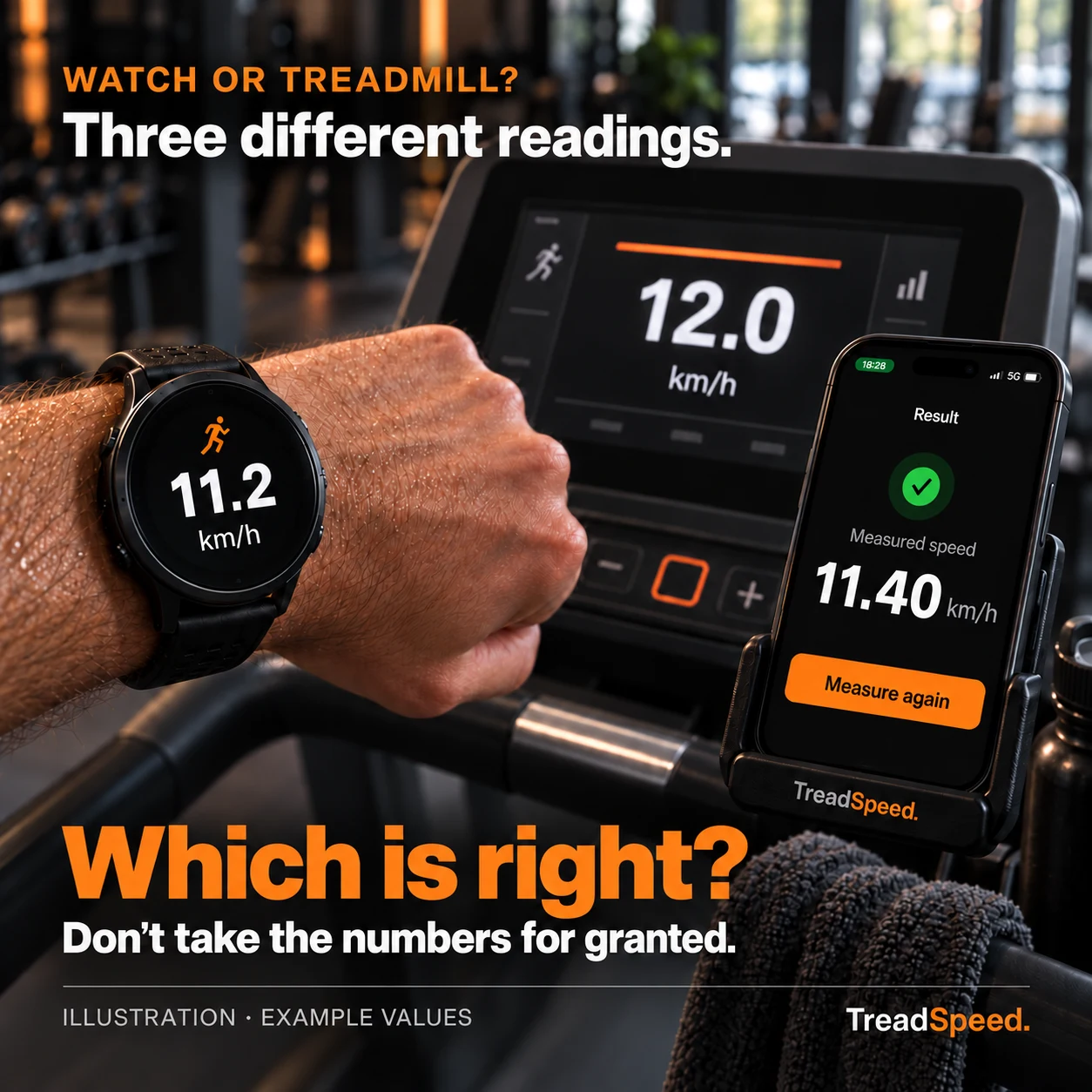
Your watch says one thing, the treadmill another. Here is how to investigate the difference and understand your indoor running numbers.
Read the article IDEA UNDER CONSIDERATIONTreadmill profile
Speed. Pace. Perspective.
Imagine a dated summary of measurements, running pace and treadmill details that you can keep beside the machine. Here is the idea we are exploring.
Read the articleJOIN THE BETA TEST
Tell us a little about yourself and your equipment. We select participants to test the app in a range of conditions.
If you are selected and take part as a tester, you will get free access to the app when it launches. You do not need to complete the optional workout section.
This is an expression of interest, not an order or a guarantee of a test place. Taking part is voluntary, and you can stop at any time.
Questions? treadspeedapp@gmail.com
BEFORE YOU SIGN UP
Workout mode is optional. Try one workout if you have the time and would like to. An extra workout with a speed change and a pause is also optional. You can submit your measurement report without trying workout mode. Free app access at launch does not depend on the optional section.
Complete the test at your own pace. The main part consists of setup, nine measurements and reporting. The time needed depends on your setup; any workout testing is additional. You can complete the test in one go or spread it out to suit you.
Attach the tape and measure the belt circumference only while the treadmill is switched off, following its instructions. Do not take handheld camera measurements while running on the treadmill yourself.
Privacy: Your details are used to select and support testers, improve the app and provide free access at launch. Marketing emails only if you opt in. Participation is voluntary, and you can withdraw your consent and request deletion. Read more about privacy.
YOUR INTEREST HAS BEEN REGISTERED
We will contact selected testers by email when their test is ready. You do not need to do anything else now.
Registering your interest does not automatically guarantee a test place. We select a group with a variety of equipment.
BEFORE YOU SIGN UP
Distance depends on the speed recorded over time. During indoor running, your watch may estimate speed and distance from your movements, while the treadmill may calculate distance from the selected speed. Both readings can therefore differ from the distance the belt has actually travelled. TreadSpeed lets you check belt speed at selected settings. Beta measurements are taken without a runner, so they do not automatically establish belt speed throughout a running workout.
With TreadSpeed, you attach a small tape marker to the belt and enter its full circumference. The iPhone camera detects the marker passing, and the app calculates belt speed from the time between passes. You can compare this with the treadmill’s display. Attach the marker and measure the circumference while the treadmill is switched off, and follow the instructions for safe measurement.
The app measures speed and can help you check for differences between the display and the belt speed. It does not adjust or calibrate the treadmill itself. Follow the manufacturer’s instructions for any adjustment or servicing. Results depend on factors including the correct belt circumference and camera setup.
Yes. The beta test is free. Selected participants who take part as testers will also receive free access to the app at launch. No payment details or subscription are required.
Selected participants receive an invitation and instructions by email. The app is installed through Apple’s TestFlight once the beta is approved. You do not need a separate TreadSpeed account.
Our target is for readings to be within ±0.5% of the actual belt speed. At an actual speed of 12 km/h, that means ±0.06 km/h. Preliminary tests are very promising. This development target still needs to be verified against an independent reference. The correct belt circumference, marker, lighting and camera setup all affect results. Beta testing will provide feedback from more phones and treadmills. The example above shows one actual test, not a typical difference for all treadmills.
Measurement with a known belt circumference, saved treadmill profiles and workout recording. Strava and measurement without a known belt length are not included in this beta test.
Yes, if you have permission to use the treadmill for measurements and attach a small tape marker. Attach the tape and measure the belt while the treadmill is switched off. Follow its instructions, keep your phone and hands away from moving parts, and do not take handheld camera measurements while running on it yourself.
YOUR INFORMATION
Øystein Jensen / TreadSpeed is responsible for your information. We use your name, email, equipment details and answers to select testers, follow up on the test and give participants free access at launch. If you provide your country of residence, we use it to understand where interest in the beta test comes from. The legal basis is your consent. If you separately opt in, we also use your email address to send app launch updates, news and offers from TreadSpeed for up to six months, whether or not you are selected. We record your choice, its time and the consent text version. You can withdraw this optional consent at any time by replying to an email or writing to treadspeedapp@gmail.com. This does not affect your beta participation or free app access. Øystein selects the participants.
Information from applicants who are not selected is deleted within six months of registration. For participants, test information is retained until testing ends and for up to six months afterwards. Names and email addresses may be kept until free access at launch has been provided. You can withdraw your consent or request deletion at any time.
Your form is stored in a database in TreadSpeed’s Cloudflare account and is not publicly accessible. Cloudflare provides and secures the website and processes technical visitor information, including IP addresses. To limit abuse, the form stores a hash of the IP address and time window for up to 48 hours. We use Cloudflare Web Analytics to measure visits, page views and website performance. These statistics help us understand the response to our recruitment. The analytics tool does not use cookies or track visitors across websites. Information entered in the registration form is not sent to the analytics tool. This website does not use advertising pixels.
Cloudflare is an international provider. Read about its data processing and transfer mechanisms in Cloudflare’s privacy policy. Email contact and follow-up are also processed by the email providers involved.
You can request access, correction, deletion, restriction of processing or a copy of your information by emailing treadspeedapp@gmail.com. You can lodge a complaint with the Norwegian Data Protection Authority. Signing up is voluntary; without contact details, we cannot offer you a test place.
This information covers the website and registration. Information about the beta test itself will accompany your invitation. Updated 25 October 2026.